 kizi.com.es
Popular Games
Last Played


Bimka: Car Destruction and Accident Simulator
3 plays
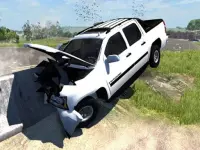


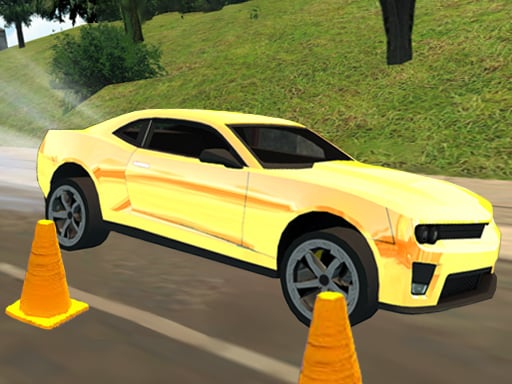




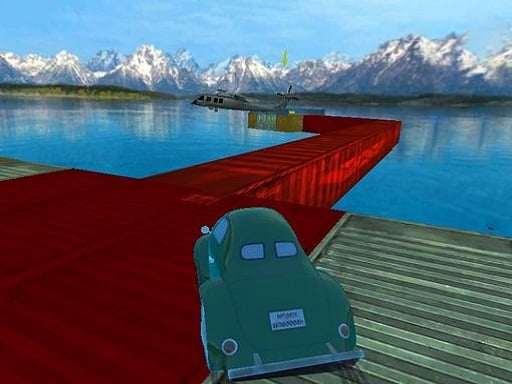



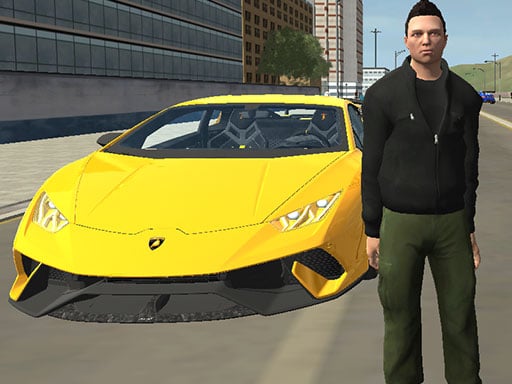









Bimka: Car Destruction and Accident Simulator
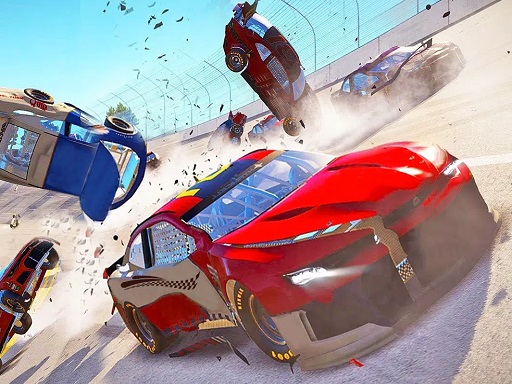
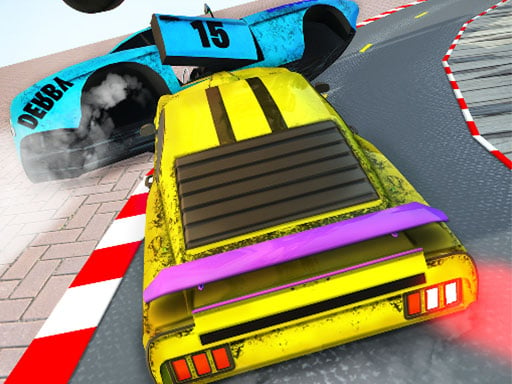
Bimka: Car Destruction and Accident Simulator focuses on physics and a complex damage system. Still the game requires players to wreck cars using specific buttons.
How To Play Bimka: Car Destruction and Accident Simulator
Driving involves using WASD keys and activating the handbrake with space, then crashing into barriers.
Controls and Features
Players can switch cars and change camera views. Note the Tab key opens the pause menu, N switches cars, and C changes the camera view.
Tips
Quick tip: Use R to flip the car if you get stuck, and press K to repair the vehicle. Keep using B to slow time down for precise crashes.
Bimka: Car Destruction and Accident Simulator FAQs.
Q: What key opens the pause menu? A: Press Tab to open the menu.
Q: What is the main objective? A: Wreck cars using specific buttons.
Q: What stated feature is available? A: Pause menu.
Q: What is the main mechanic? A: Physics and damage system.
About this game
- Supported devices
- Desktop
- Genre
- Action Games
- Release date
- 08 February 2026
- Latest update
- 08 February 2026
- Rating
- No ratings yet